Alias - Ethernet
Note Alias interface is use to create virtual ip on same ethernet interface.
Figure 1.2.1.1.3-a, figure 1.2.1.1.3-b and figure 1.2.1.1.3-c shows IPv4 and IPv6 Alias interface.
User can set additional IPv4 and IPv6 in the same network interface by following steps:
On the Menu Bar, click Appliance Management. This will display a dropdown menu
To go to setting page, click Settings
Click Network tab
Click Ethernet tab
Click on net0 to select specific interfaces.
Click Alias tab to manage Alias
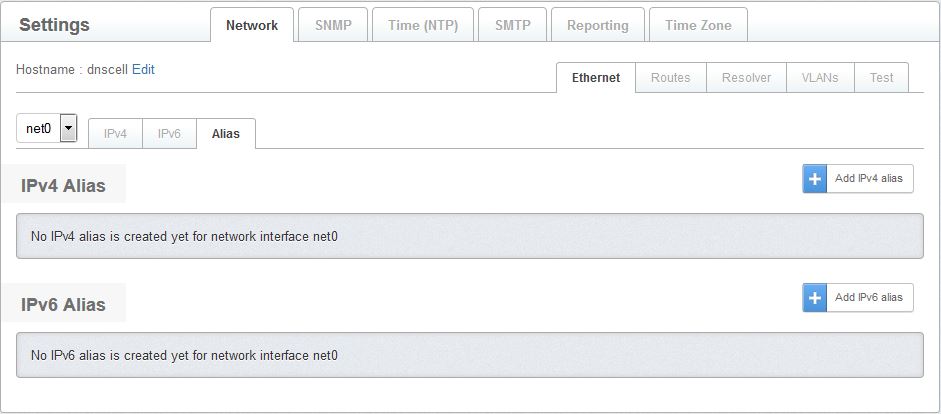
Figure 1.2.1.1.3-a : Alias page
- Click Add IPv4 alias button to add IPv4 aliases.

Figure 1.2.1.1.3-b : IPv4-Alias
- Click Add IPv6 alias button to add IPv6 aliases.

Figure 1.2.1.1.3-c : IPv6-Alias
- Click Save button to save changes or click Cancel button to cancel changes