Logs
DHCP logs to monitor DNSVault DHCP service working.
To monitor your DHCP Logs, follow these steps:
On the Upper Menu bar, click the DHCP tab. On the drop down menu, click DHCPv4 category object, then click Enable toggle to enable DHCPv4 module (if Disable). You will then be directed to the default General page.
Click the Logs tab.
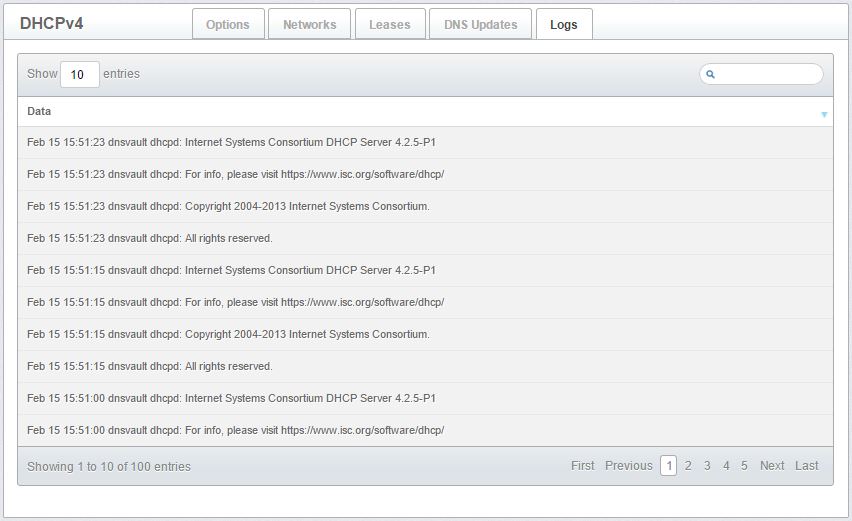
Figure 3.1.5-a: DHCP logs