Settings
DHCPv4 settings user can view Service Status, Service Option & Enable interface.
On the Upper Menu bar, click the DHCP tab. On the drop down menu, click DHCPv4 category object, then click Enable toggle to enable DHCPv4 module (if Disable). You will then be directed to the default General page.
Click the Settings tab
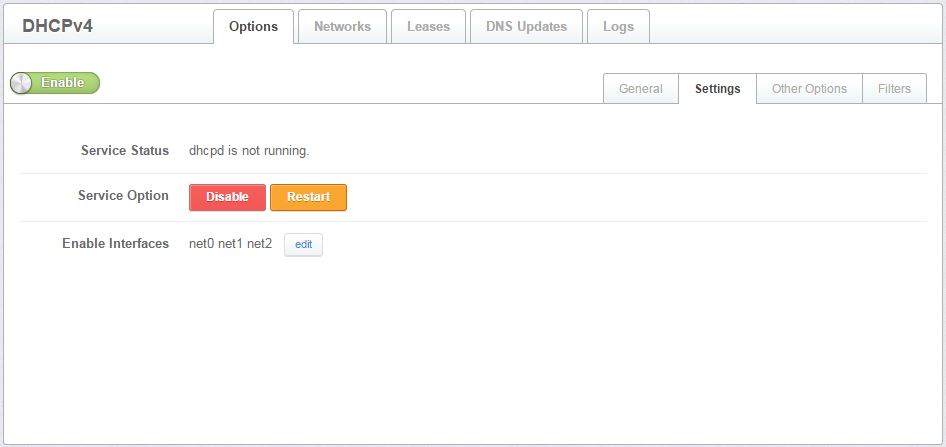
Figure 3.1.1.2-a: DHCPv4 Settings
Service status to check the DHCP server is running or not.
Service Option for disable DHCP service or restart DHCP service.
Enable Interface to select which network port to allow for DHCP.