Default
Based on figure 1.2.1.2.1-a and figure 1.2.1.2.1-b, this tabs is use to configure default route for the applaince.
To setup Default route :
On the Menu Bar, click Appliance Management. This will display a dropdown menu
To access Setting page, click Settings
To show Network tab, click Network
To show Routes tab, click Routes
Click Default tab
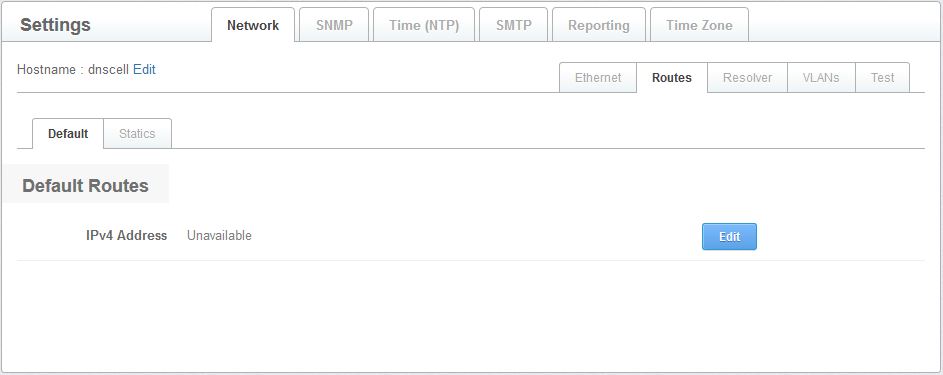
Figure 1.2.1.2.1-a : Default
- Click Edit button to edit default gateway address

Figure 1.2.1.2.1-b : Default routes
- Click Save button to save changes or click Cancel button to cancel changes