General
Figure 1.7.1-a and 1.7.1-b below shows on general node configurations.
To view and edit general node informations, please follow the step bellow:
On the Menu Bar, click Appliance Management. This will display a dropdown menu
Click Nodes
Click General to view current node informations.
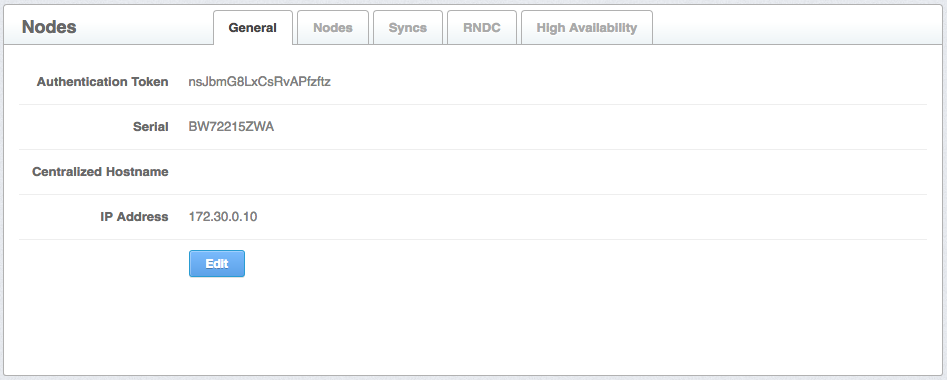
Figure 1.7.1-a :General page
- To edit node information, click Edit button to edit hostname and address

Figure 1.7.1-b :General edit