Sessions
Note DNSVault record all session that has been created by user to access DNSVault Web GUI. The audits tray shows when the specific account is login and logout, username of the account, last seen and also the browser agent.
To view Sessions audit trail, follow the step below:
On the Menu Bar, click Appliance Management. This will display a dropdown menu
To access the Audits page, click Audits
To view DNS Log audit trail, click Sessions
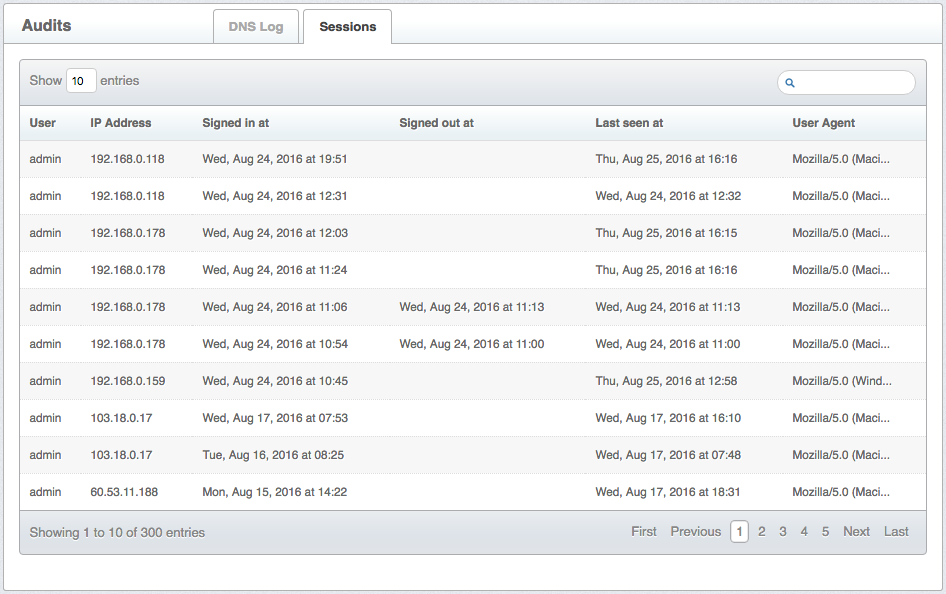
Figure 1.4.2-a: Sessions audit trail