RPZ
To view content of the Zone by RPZ.
On the Upper Menu Bar, click the DNS Reports icon.
Click the Graph & Statistics from the dropdown button.
Click Contents from the dropdown button of Graph & Statistics
Click RPZ tab.
Click Search button to search Zone contents view by RPZ.
Click Print Zone Contents Report to print the result.
Figure 4.2.2-a below shows Zone and Host view by RPZ.
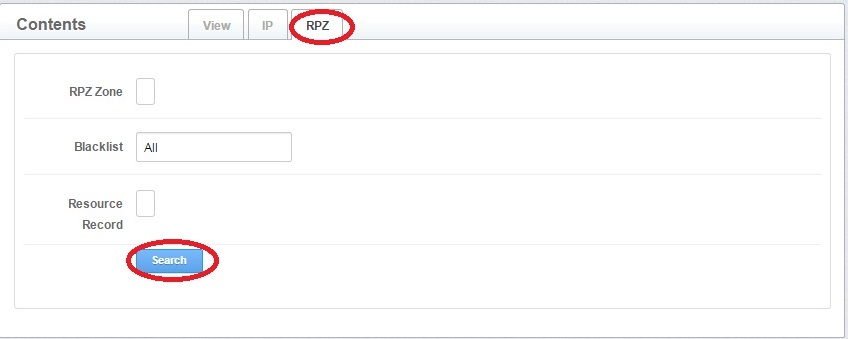
Figure 4.2.2-a: RPZ Contents