Create zone
Click DNS Management > Domain > Default > Views > Network > Create Zone
On the top right of the page, there are drop down menu to choose the list of view and user can re-selected view before creating a reverse zones.
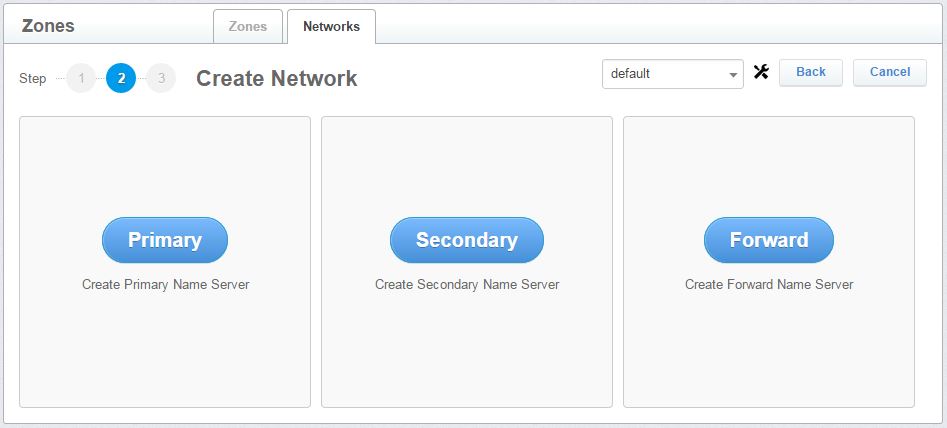
Figure 2.2.1.3.1-a : Setting primary, secondary and forward name server.
- Click Primary button to create a primary zone
- Click Secondary button to create a secondary zone
- click Forward button to create a forward zone
- Click Back to go to previous menu or Cancel to abort.